

Earlier work
Kaleidobot
Kaleidobot was a small Twitter experiment that turned an image sent by a user into a kaleidoscopic composition and replied with the result.
Project
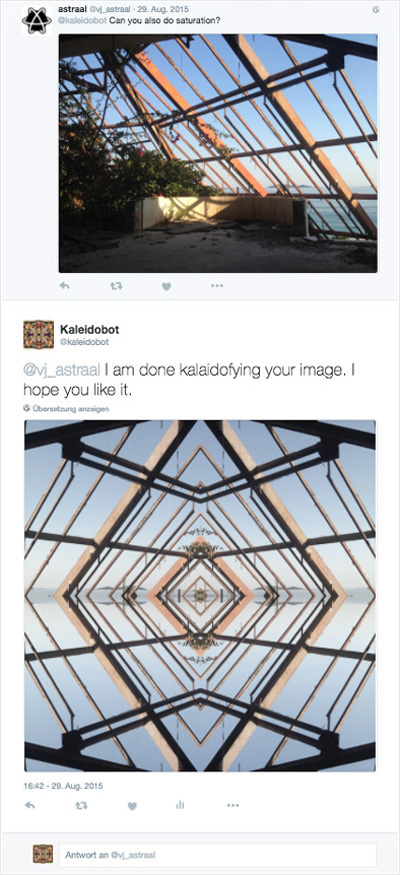
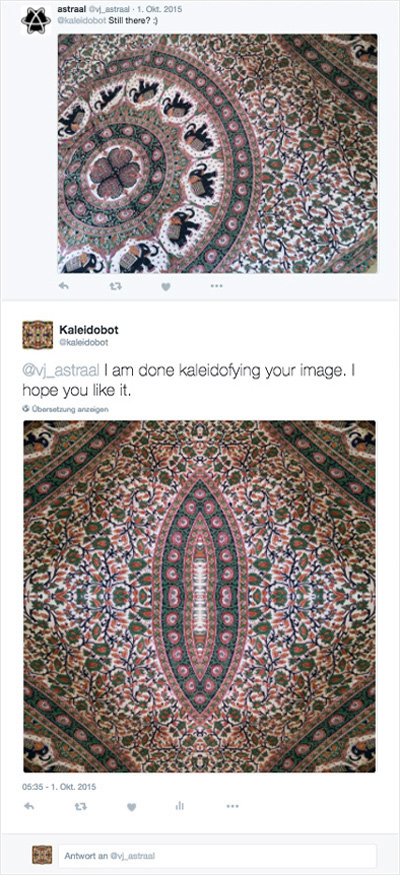
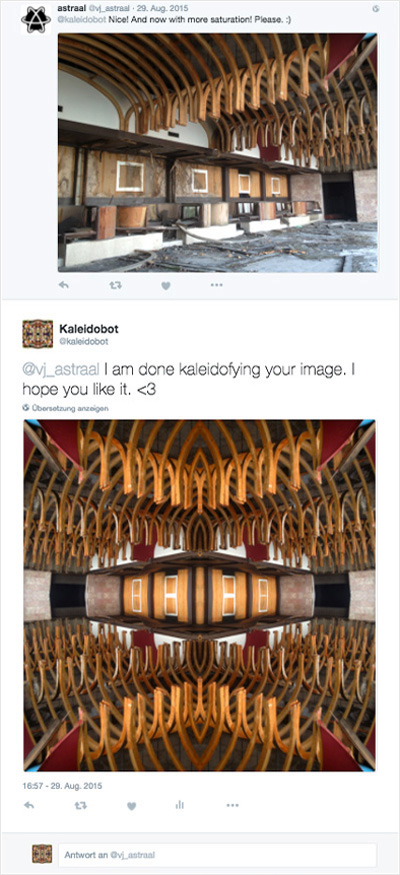
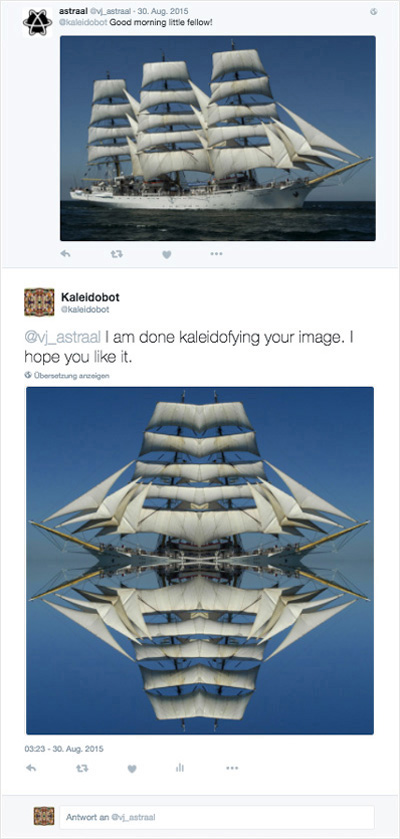
The complete interaction happened through a conversation with a Twitter account. Send an image to @kaleidobot, wait for it to be processed, and receive the transformed version in a reply. There was no separate app or website around it.
I coded the bot in Python using the Twitter API. Keeping everything inside Twitter made the exchange deliberately simple: the original post, the account that sent it, and Kaleidobot’s response remained visible in the same thread.
The documented examples use photographs of architecture, textiles, and a sailing ship. Kaleidobot turns each of them into a symmetrical composition by mirroring and repeating parts of the original image.
What was created
The project produced a functioning Twitter bot that accepted photographs, transformed them into mirrored kaleidoscopic compositions, and replied directly to the sender. Twitter itself became the interface: posting an image started the interaction, and the response delivered the result.
Looking back
Kaleidobot did one thing and did it inside a platform people already knew. You sent it a photograph; it answered with another image. I still like that economy. The project did not need menus, onboarding, or a separate interface. The Twitter conversation was the product.